Browser workspace · Desktop app (Premium)

Shape the print, not just the mesh.

A browser and desktop workspace for procedural and parametric FDM 3D printing: stack effects, sculpt meshes, program toolpaths, and export G-code or STL from the module that owns the job.

Free to tinker No account needed Runs in your browser

Hundreds of built-in FDM machine profiles. Brand names below are ecosystems we emit standard G-code for—not official partnerships.

Prusa Bambu Lab Creality Voron Anycubic Elegoo QIDI FLSun

Why makers stick around

Preview every move before you waste a gram.

See the toolpath before the filament.

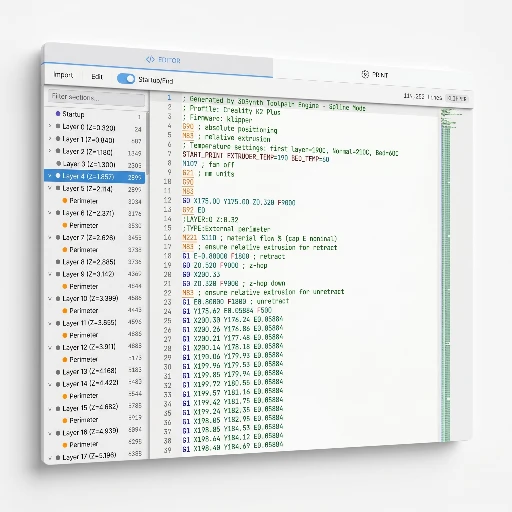
Orbit the live 3D preview, scrub through layers, and catch travel quirks while changes are still cheap.

  • Layer scrubbing: Jump to any height and inspect exactly what the nozzle will do.
  • Seam placement: Spot where the seam lands before you commit plastic.
  • Travel visualization: See non-print moves so stringing surprises show up early.

Modulator stack in plain view. No buried submenus.

Named modulators, drag-to-reorder, and every parameter in one panel; fast iteration is the default.

  • Named modulators: Each effect has a clear label so the stack reads like a recipe.
  • Drag to reorder: Change the order of operations with a grab handle, not a rebuild.
  • Inline parameters: Tweak values right where you see them, no nested dialogs.

One Print setup. Many experiments.

Machine, material, and nozzle presets stay with your project. Hop between design modules without retyping profiles.

  • Persistent presets: Pick your printer once; every module respects it.
  • Material profiles: Temps, speeds, and retraction travel with the project file.
  • Process dialect: Filament, Clay, or Plotter — Clay skips cold-extrusion alarms so ceramic jobs do not trip PLA-style checks.
  • Nozzle context: Swap nozzle size and the toolpath recalculates automatically.

Export what the job needs.

G-code when the module owns the toolpath, STL when you want your slicer in the loop, especially from Mesh Sculptor and Texturize.

  • Direct G-code: Vase-mode modules output ready-to-print files with no slicer step.
  • STL hand-off: Mesh Sculptor and Texturize export geometry for your slicer's supports and plates.
  • One-click download: Choose the format and grab the file, no extra dialogs.

Learn

Learn fast, break nothing expensive.

Deep docs, goal-first tutorials, and a Library: everything you need within arm's reach of the viewer.

Documentation

Deep dives on modules, effects, and Print settings when you want the manual, not the hype.

Open docs →

Tutorials

Goal-first walkthroughs beside the viewer. Follow along with a real file.

Open tutorials →

Library

Load shared .3dsynth projects and remix from real prints.

Open library →

Concepts

Definitions for profile, modulator, toolpath, G-code, mesh, node graph, and .3dsynth.

Open concepts →

FAQ

Slicer boundaries, STL, printers, accounts, Premium, and when another tool is better.

Open FAQ →

Learn map

Modules, docs hashes, tutorials, changelog, and the app—on one crawlable page.

Open learn map →

Guides

Procedural, vase G-code, slicer vs 3dSynth, CAD vs 3dSynth, printers, STL export, Layer Mode, and vase effects—when it fits and when it does not.

Open guides →

Library

Proof from the spool.

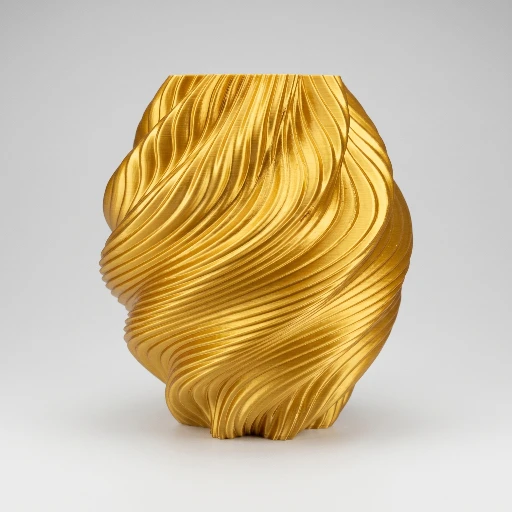
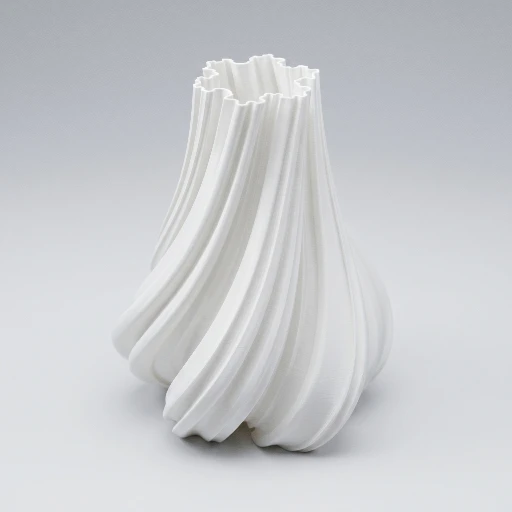
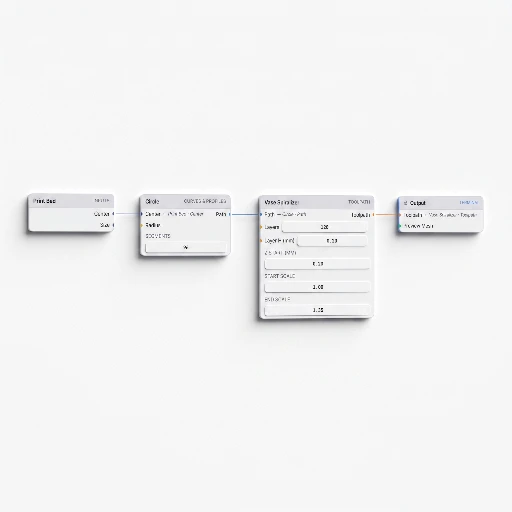
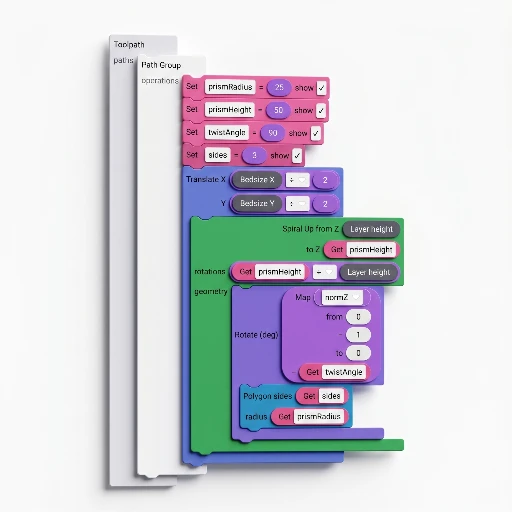
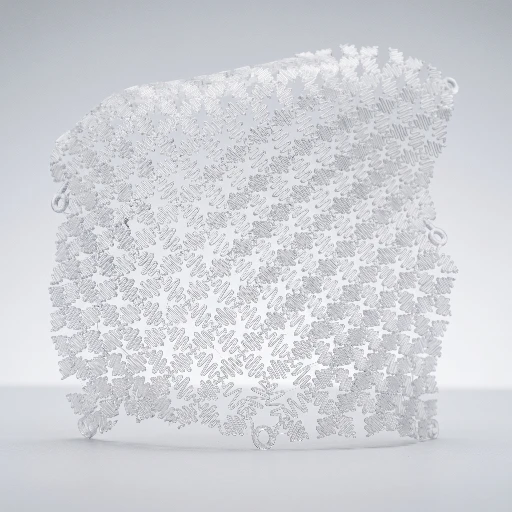
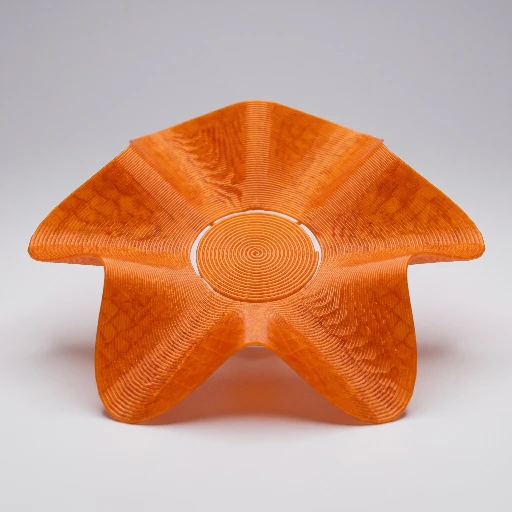
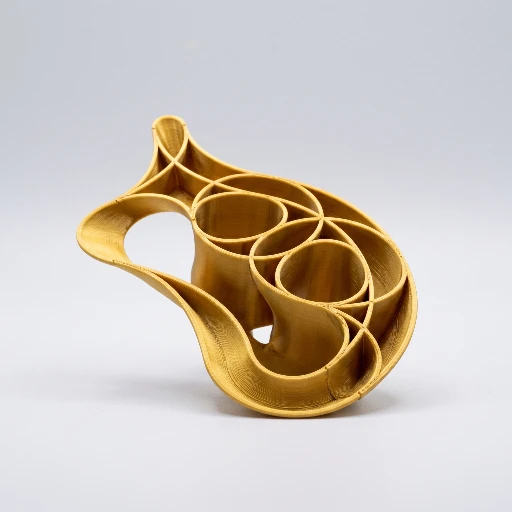
Thumbnails from the public library: G-code Sculptor, SynthBlocks, Mesh Sculptor, and Node Sculptor projects people actually ran on their machines. Click through, then hit Load in app to start from someone else's baseline.

Pricing

Free to tinker. Premium to ship deep.

Same limits and unlocks you see in the in-app Print / Export / Premium hints: Mesh, G-code, Nodes, SynthBlocks, and the desktop build all follow the same table. No surprise paywalls at download.

Free

$0

Full browser app: G-code Sculptor, Mesh Sculptor, Texturize, Node Sculptor, SynthBlocks, Fabric, Hex, predefined models, and Custom G-code. Stack effects, wire graphs, and inspect the live toolpath in 3D. Tuned for learning and ad-hoc runs that never leave the tab.

Premium

Lifetime license

$39

Lifetime license. $39 USD one-time via Gumroad. Same price for web activation and desktop installers.

Unlimited effect stacking, SynthBlocks export, persistent projects, the G-code Inspector, Library publishing, and desktop installs for Windows, macOS, and Linux — the same “everything unlocked” state the app’s Premium gates describe.

G-code Sculptor: export and save with up to 2 effects in the stack (vase / spiral G-code to the machine profile)
Unlimited effect stack — reorder freely and export or save at any depth
All nine modules in the browser, including Node Sculptor export (not Premium-gated). SynthBlocks is preview only — no export or workspace save
SynthBlocks export (G-code, STL, OBJ, glTF) and save/load programs — not just in-tab preview
3D toolpath preview, in-app docs and tutorials, and the Library in read-only mode
Publish builds to the Library from inside the app
Save, reload, and share .3dsynth project files (workspace + all modules in one file)
Save/load .3dsynth projects and design presets
Julia fractal mode and the line-by-line G-code Inspector
Julia Stack plus the G-code Inspector before the file hits the printer
Desktop app (browser only on Free)
Desktop app for Windows, macOS, and Linux — offline, native file dialogs, same license as the web app. Desktop overview
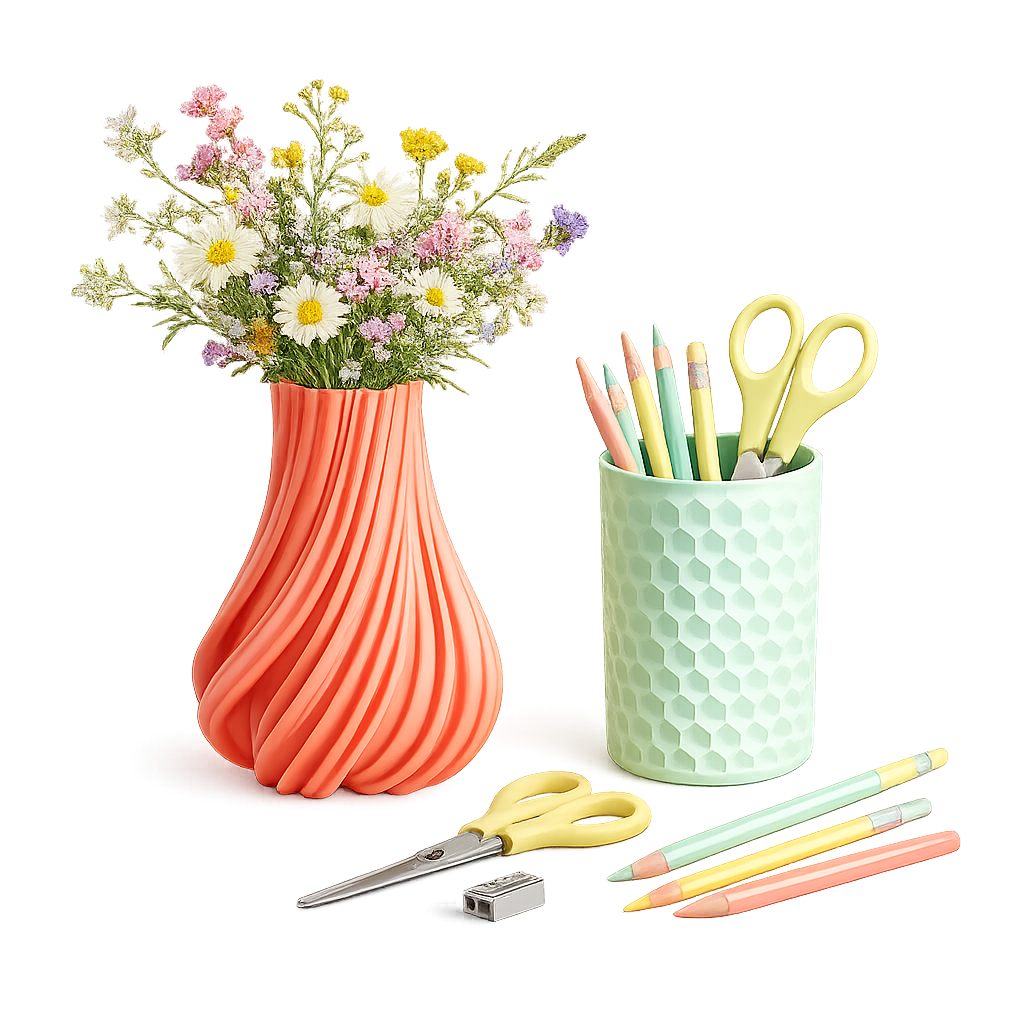
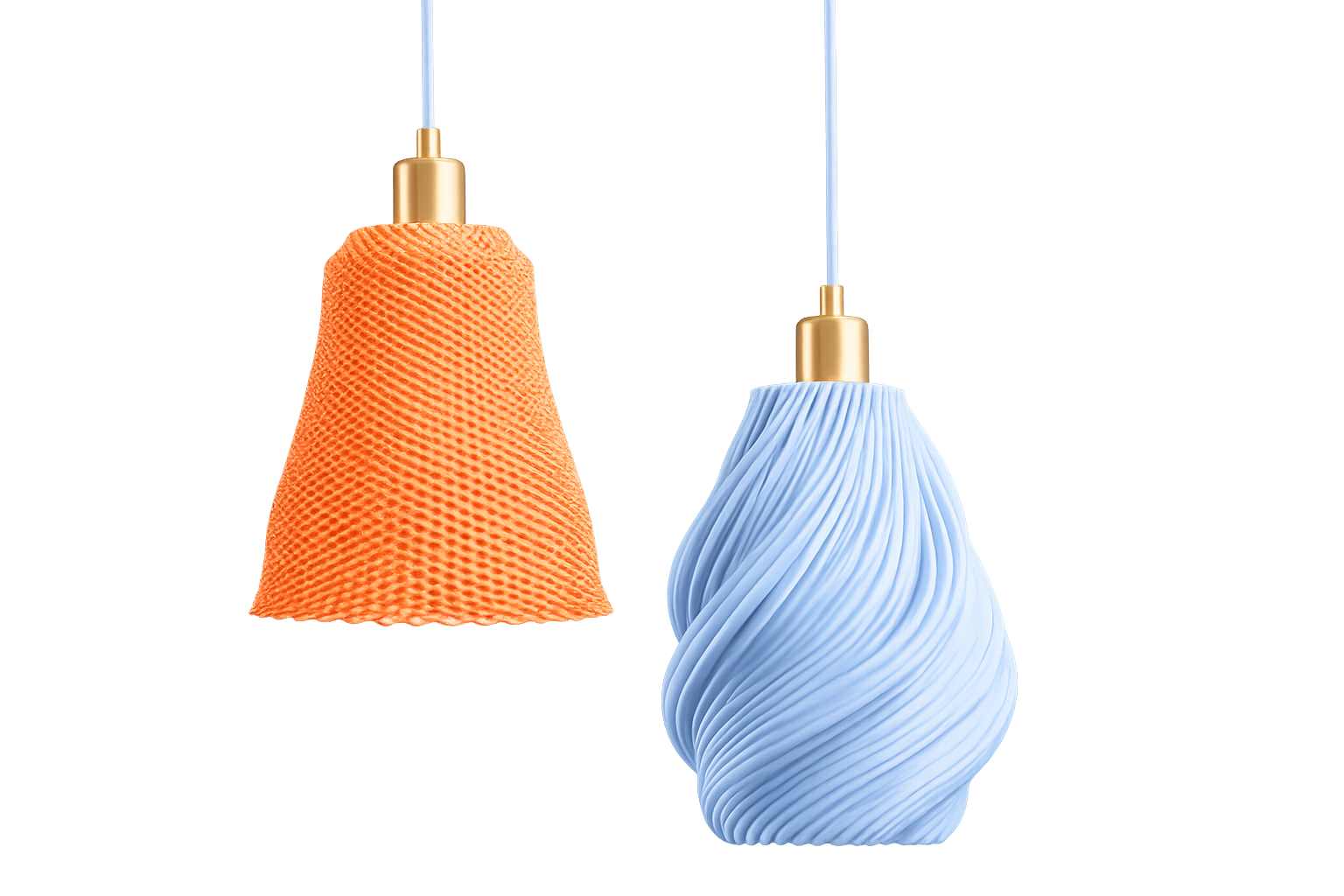
Full comparison in docs Desktop app

FAQ

Questions.

Straight answers, no marketing fog. Longer versions live on the FAQ page.

Is this a slicer?
3dSynth is a generative toolpath and mesh workspace, not a general STL slicer. G-code Sculptor writes vase/spiral (and optional Layer Mode infill) G-code directly. Mesh Sculptor and Texturize export STL for PrusaSlicer, Cura, Bambu Studio, and the rest. Layer Mode infill lives inside G-code Sculptor when you opt in from Shape Mode. G-code overview · Layer Mode
What is Mesh Sculptor vs G-code Sculptor?
Mesh Sculptor builds a mesh and exports STL for slicing elsewhere. G-code Sculptor uses a profile and effects stack for vase-mode G-code without an external slicer for that path. Mesh overview
Texturize vs Mesh Sculptor bump-map?
Texturize displaces any triangle mesh in world space (triplanar by default) and exports STL; the source shape stays clean. Mesh Sculptor’s bump-map effect displaces along lathe ring normals as part of forming the solid. Use Mesh to design the body, Texturize to texture it (or an imported STL). Texturize · Docs
Node Sculptor or SynthBlocks?
Both can drive G-code. Node Sculptor is a node graph; SynthBlocks is Scratch-style blocks. Pick the mental model you prefer. Node export is available on Free; SynthBlocks export and save are Premium. Nodes · SynthBlocks
Free vs Premium?
Free is the full browser app with a 2-effect export cap on G-code Sculptor, SynthBlocks preview-only, Library read-only, and no .3dsynth save, Inspector, Julia, or desktop. Premium removes those gates. See the table on this page and the in-app comparison. Pricing · Free vs Premium
Browser vs desktop?
The web app is Free to tinker in any modern browser. The desktop build (Windows, macOS, Linux) is Premium: same modules, native file dialogs, offline after activation, local license storage. Installers are on your Gumroad receipt. Desktop overview · Desktop docs
Clay or plotter instead of filament?
The Print tab has a process dialect: Filament (default), Clay / paste, or Plotter. Clay skips cold-extrusion alarms so ceramic jobs do not trip PLA-style checks; Plotter omits E. Missing dialect on old projects means Filament. Printer settings
Can I use it commercially? How many devices?
A Premium license includes personal and commercial use of the software. The same key activates the web app and desktop installers on devices you own or primarily use. Do not share the key. Terms · Activate license
What printers are supported?
Hundreds of built-in machine profiles; output is standard FDM G-code compatible with common printers. Clay and plotter dialects are available when the job is not filament.
Is the G-code safe?
Start/end sequences are tailored to your machine profile. Preview every move in the 3D viewer before export. Export still enforces the collision buffer even when the viewport preview skips it. You remain responsible for the print.
Can 3dSynth export STL?
Mesh Sculptor and Texturize export STL for your slicer. Some toolpath modules can also export a mesh of the preview. That is not a sliced plate. Full FAQ
Can I edit existing G-code?
Yes. Custom G-code imports a file, syncs it to the 3D view, and lets you analyze and edit it. Use it when the file is already the source of truth.
Is an account required?
No. The free web app needs no account. Premium is a Gumroad license key stored locally. Publishing to the library uses that key—not a 3dSynth login.
When should I use CAD or a slicer instead?
Use Fusion, SolidWorks, or Blender for mechanical assemblies. Use PrusaSlicer, OrcaSlicer, Cura, or Bambu Studio for conventional slicing, supports, and multi-part plates. 3dSynth is strongest when the toolpath or a generative mesh is the design. When not 3dSynth

All FAQ answers · Concepts · Learn map

Ready to waste less filament?

Open the browser app for free, or unlock Premium for full export depth, projects, inspector, and the desktop build.