Press kit
Boilerplate copy, facts, brand colors, and logo downloads for articles and reviews. For product visuals, prefer linking readers to in-app documentation.
About 3dSynth (paste-ready)
3dSynth is a browser and desktop workspace for procedural and parametric FDM 3D printing from Kubuz. Its nine complementary modules cover profile-based vase, spiral and layer toolpaths; mesh creation and texturing; node- and block-based procedural authoring; custom G-code editing and analysis; and specialized fabric, hex-grid and predefined-model workflows. It provides live 3D preview and shared printer, material and nozzle profiles, then exports direct G-code or mesh formats where each module supports them. It is not a general CAD system or conventional STL slicer. A free web tier supports exploration with stated workflow limits; Premium is a $39 USD one-time license that unlocks deeper export, project files, the G-code Inspector, library publishing, and desktop installs.
Quick facts
| Field | Value |
|---|---|
| Product | 3dSynth |
| Website | 3dsynth.app |
| App | app.3dsynth.app |
| Platforms | Web (Chrome-based browsers), Windows, macOS, Linux (desktop for licensed users) |
| Purchase | Gumroad — see pricing for current offer |
| Creator | Kubuz (Belgium) |
Brand colors
Accent & neutrals (reference)
#2f6feb → #6bb3ff
#6bb3ff
#2f6feb
#09090b
#18181b
#27272a
Logo downloads
Official PNGs (transparent or on light background). Use for articles, video thumbnails, and social posts.



Optional editorial images
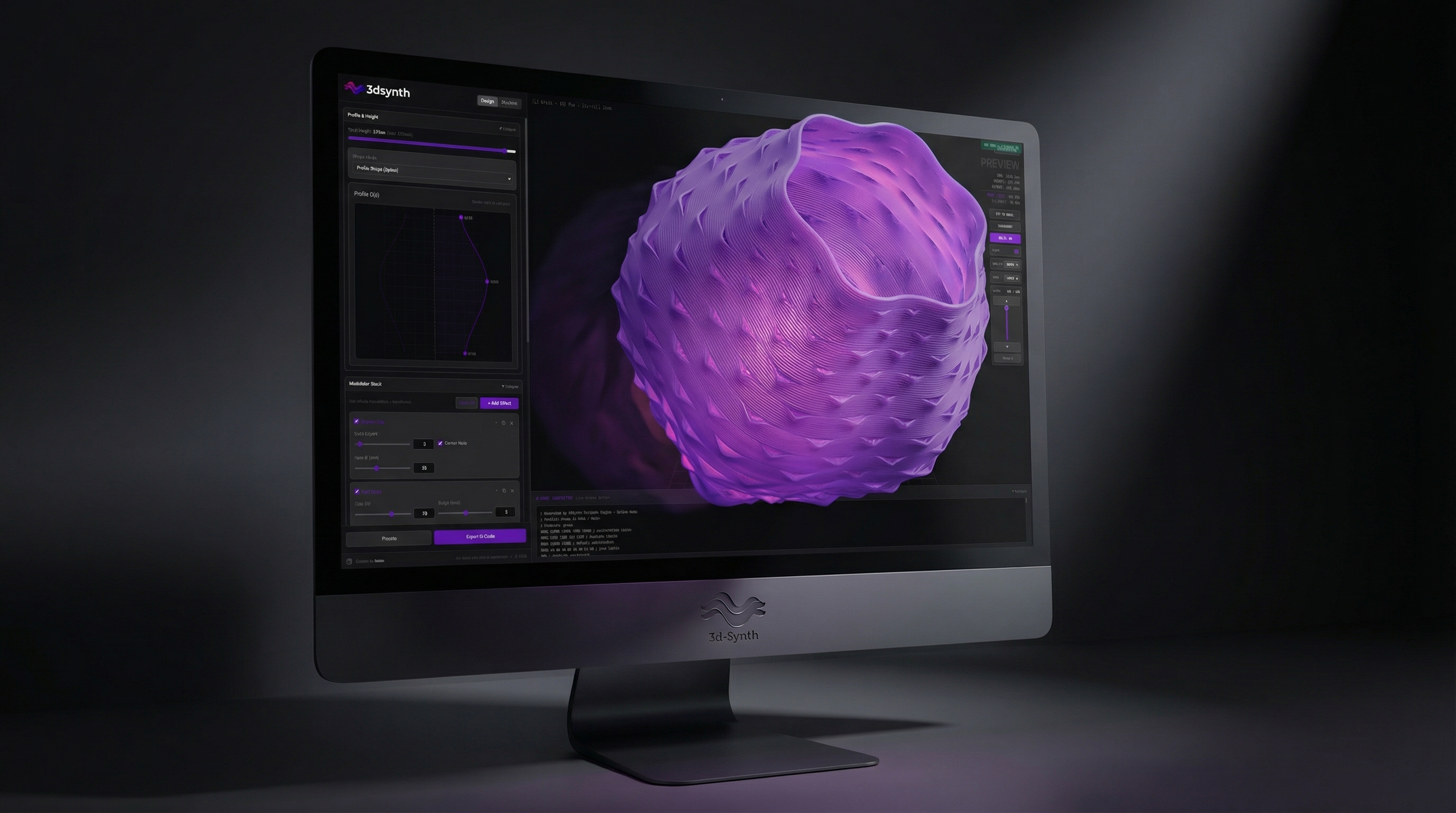
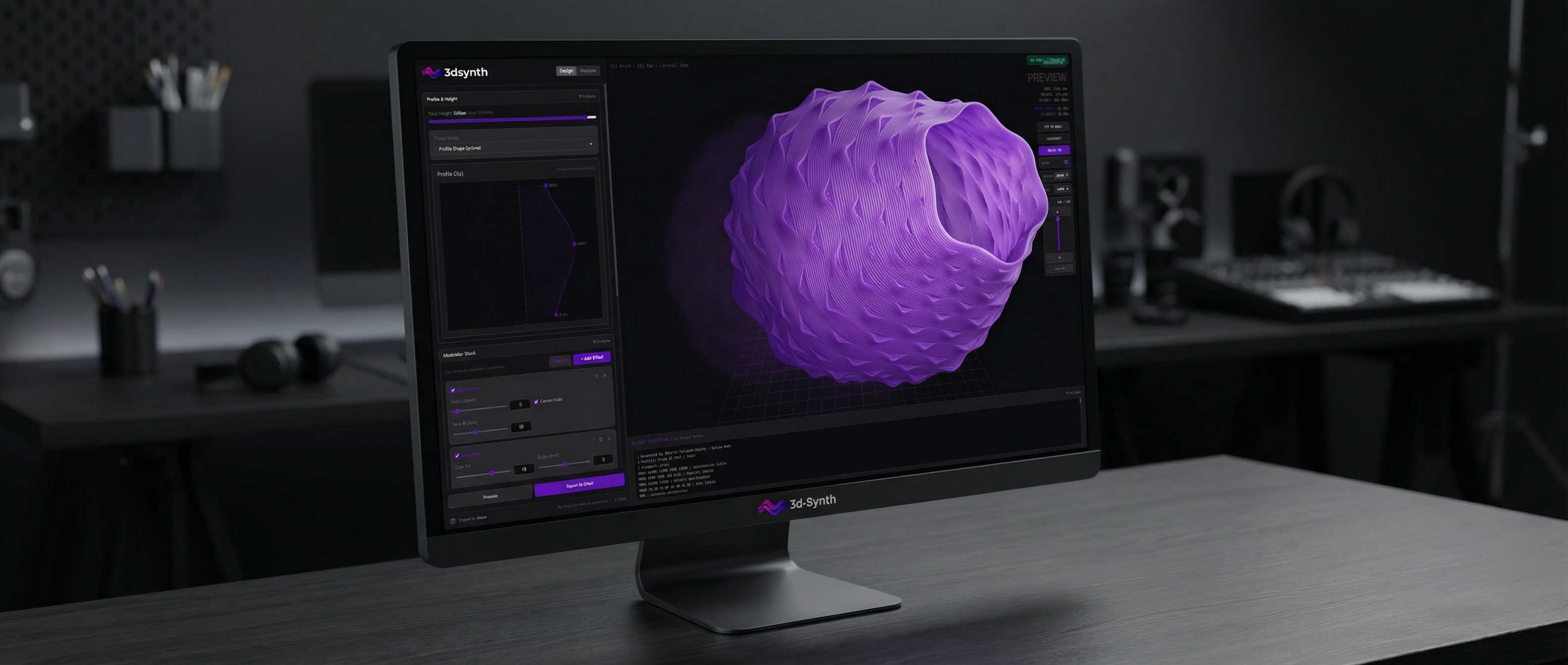
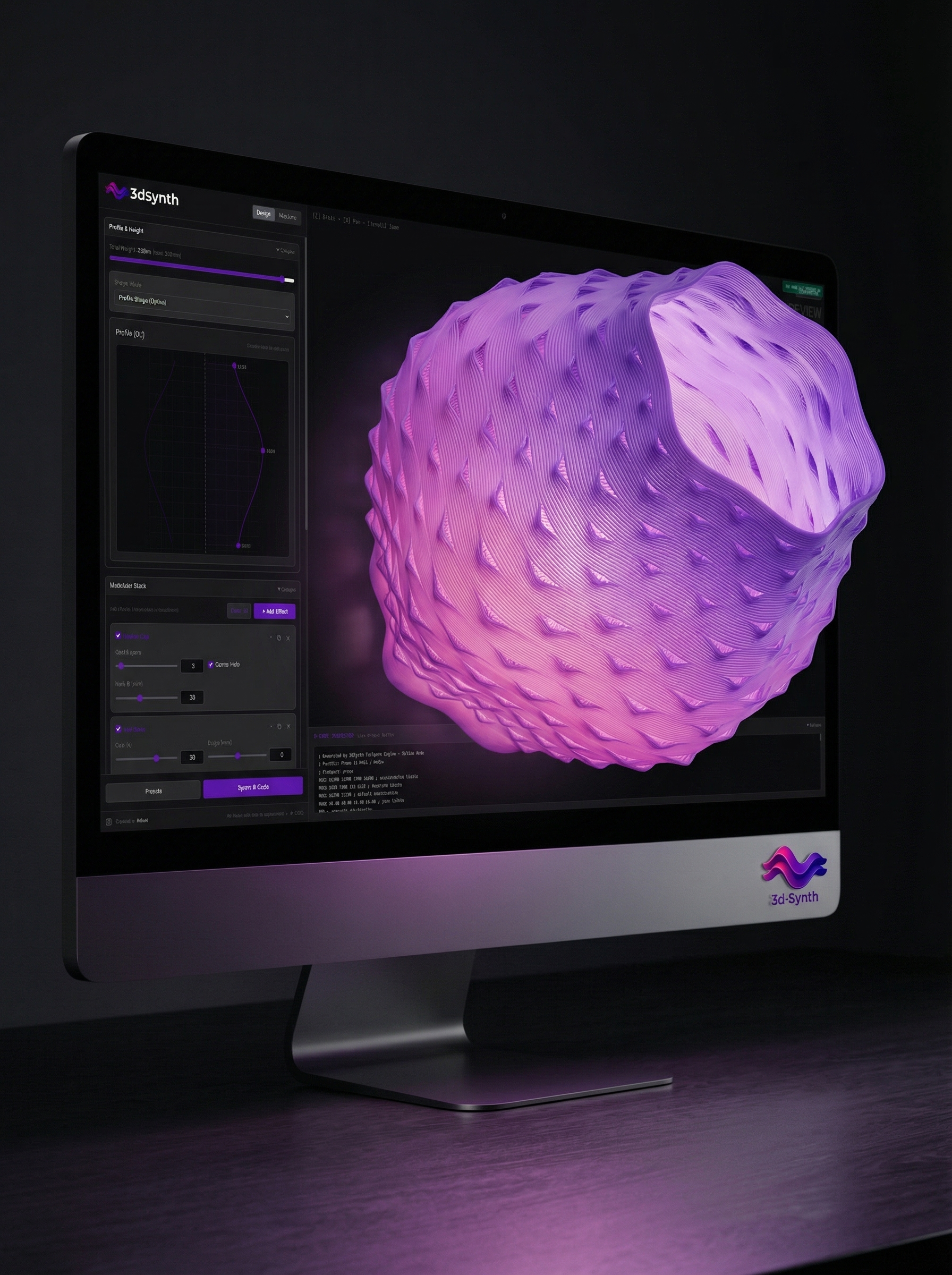
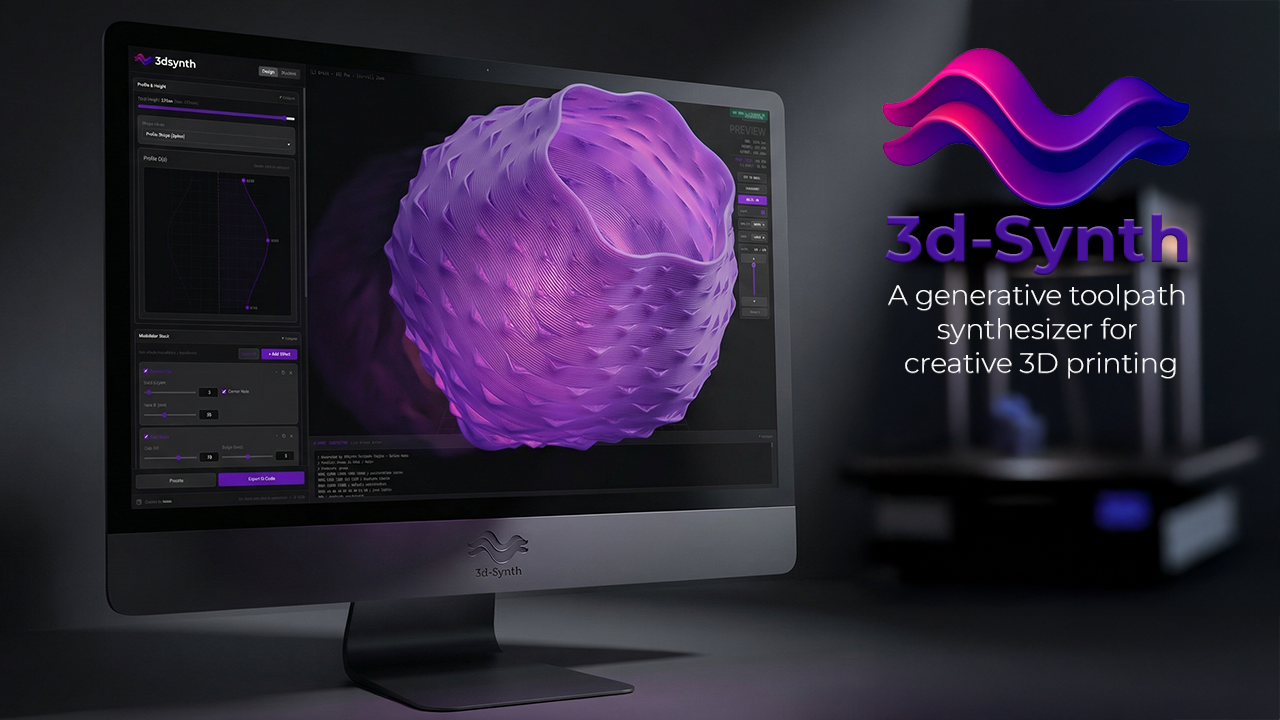
JPEG/PNG banners and wallpaper for editors who need supplied artwork. Not required for accurate coverage—link to the live app or docs when possible.
Brand guidelines
Use official assets; keep technical wording accurate (G-code, STL, FDM). Refer to the product as 3dSynth (capital S).
Do
- Use logos from this kit only
- Maintain clear space around the logo
- Use backgrounds with enough contrast
- Link to 3dsynth.app when mentioning the product
Don't
- Change logo colors or proportions
- Add heavy effects, shadows, or outlines
- Place the logo on busy backgrounds
- Stretch, skew, or use unofficial marks
Contact
Questions about coverage or additional assets: