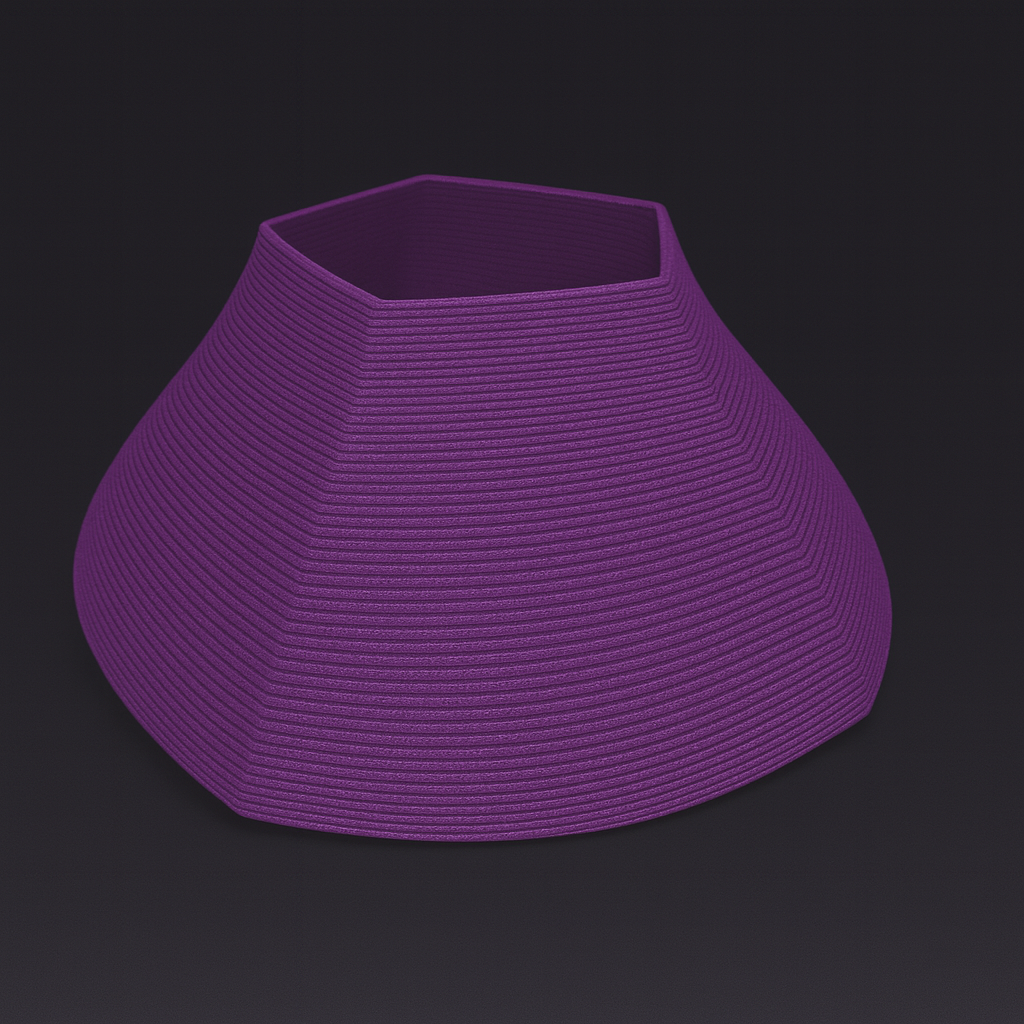
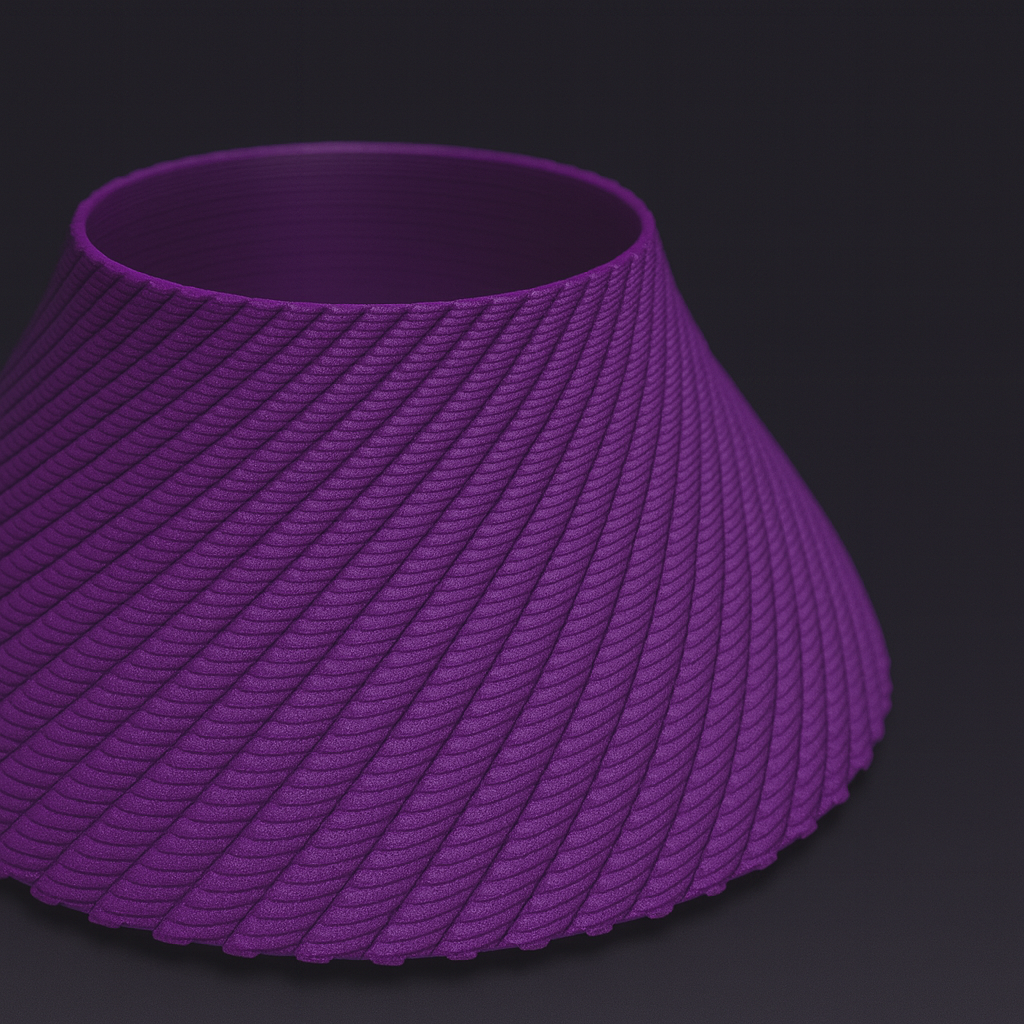
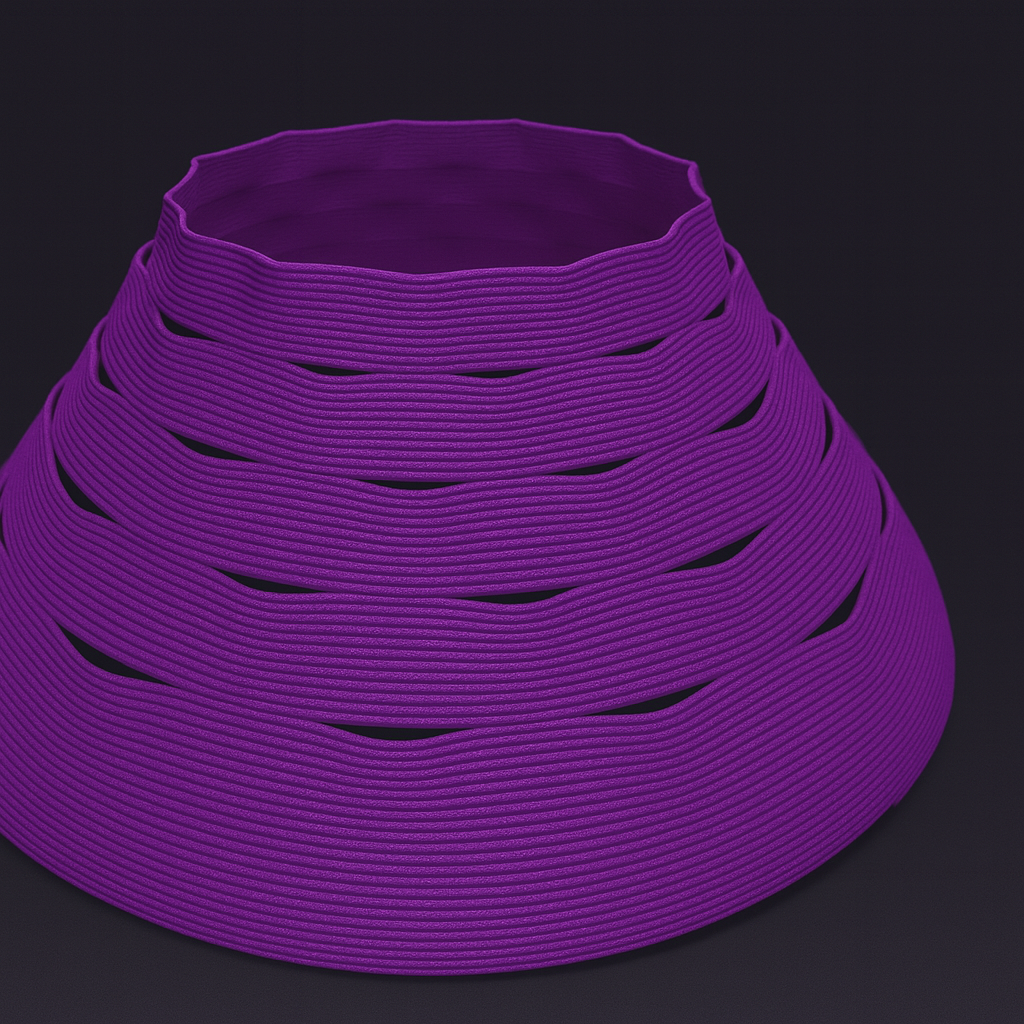
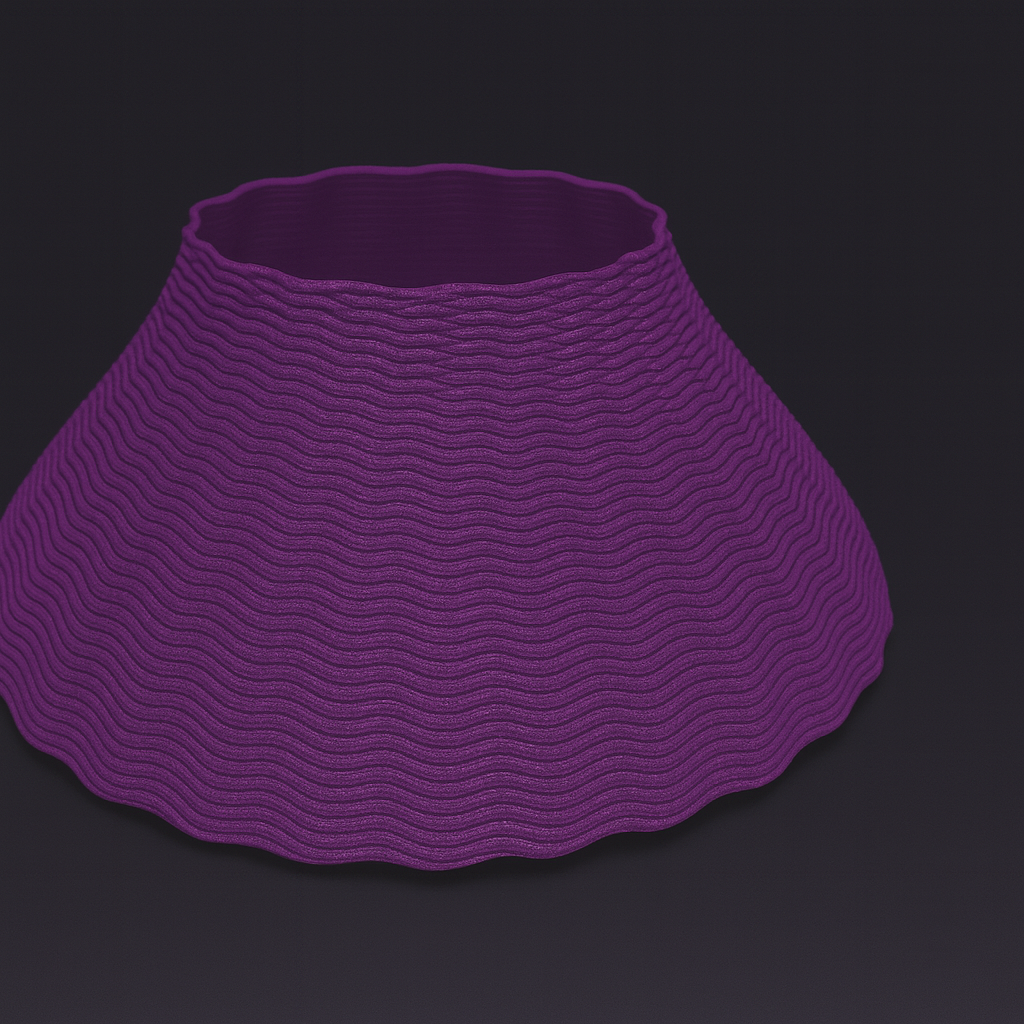
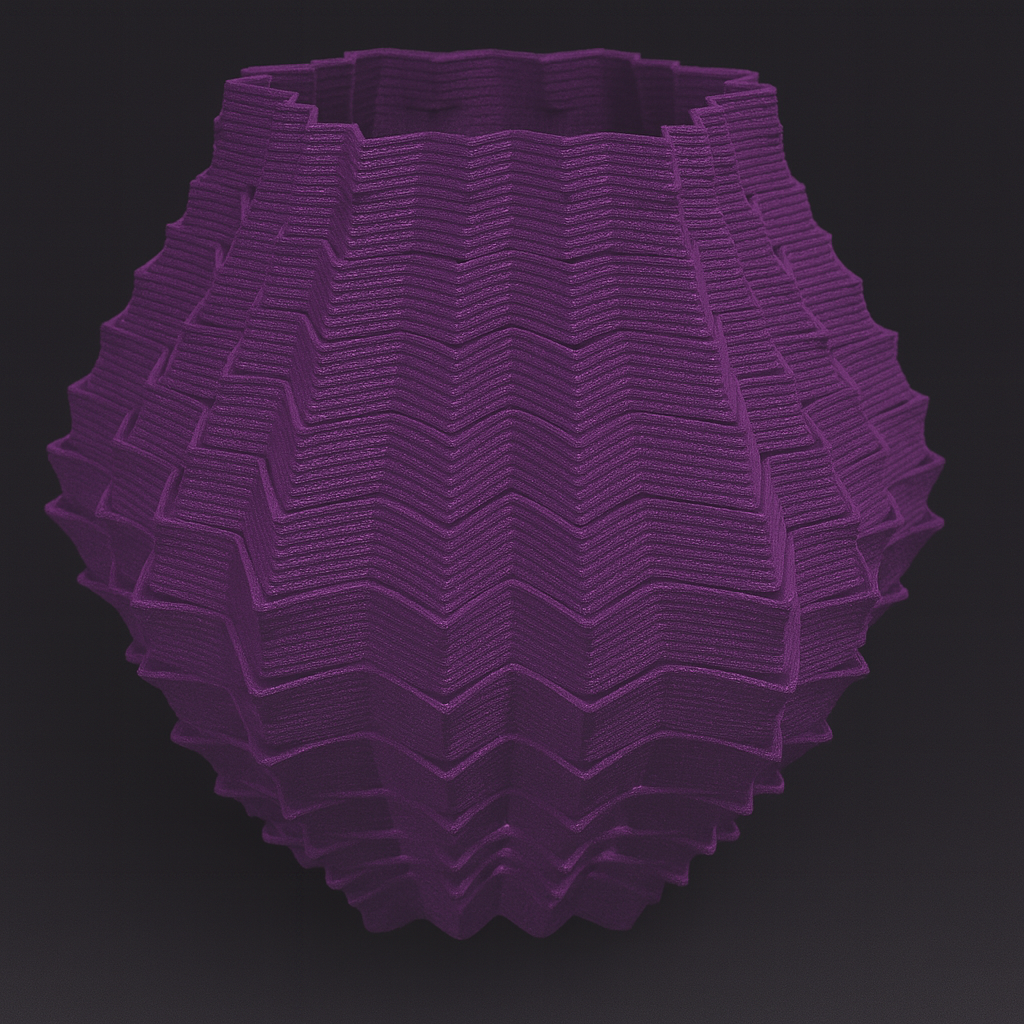
Procedural Toolpath Engine

Design the Undesignable.
Direct G-Code Generation for 3D Printing.

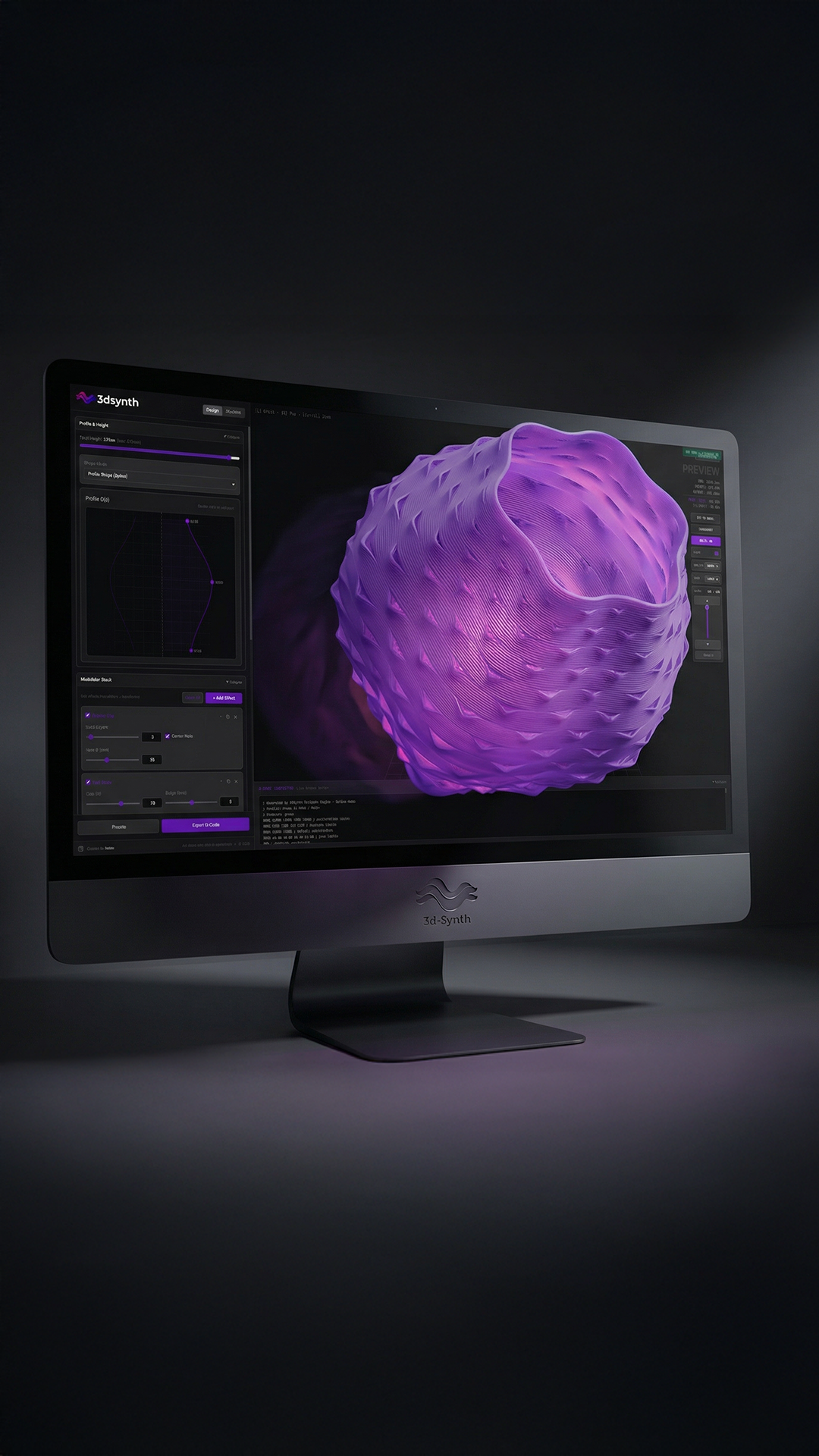
3dSynth is a procedural toolpath engine for 3D printing. Define geometry through parametric math and logic, generate G-code directly, and print with total control.

Launch 3dSynth — free

Full app runs in your browser. Zero install. Desktop version also available for Windows, macOS, and Linux.
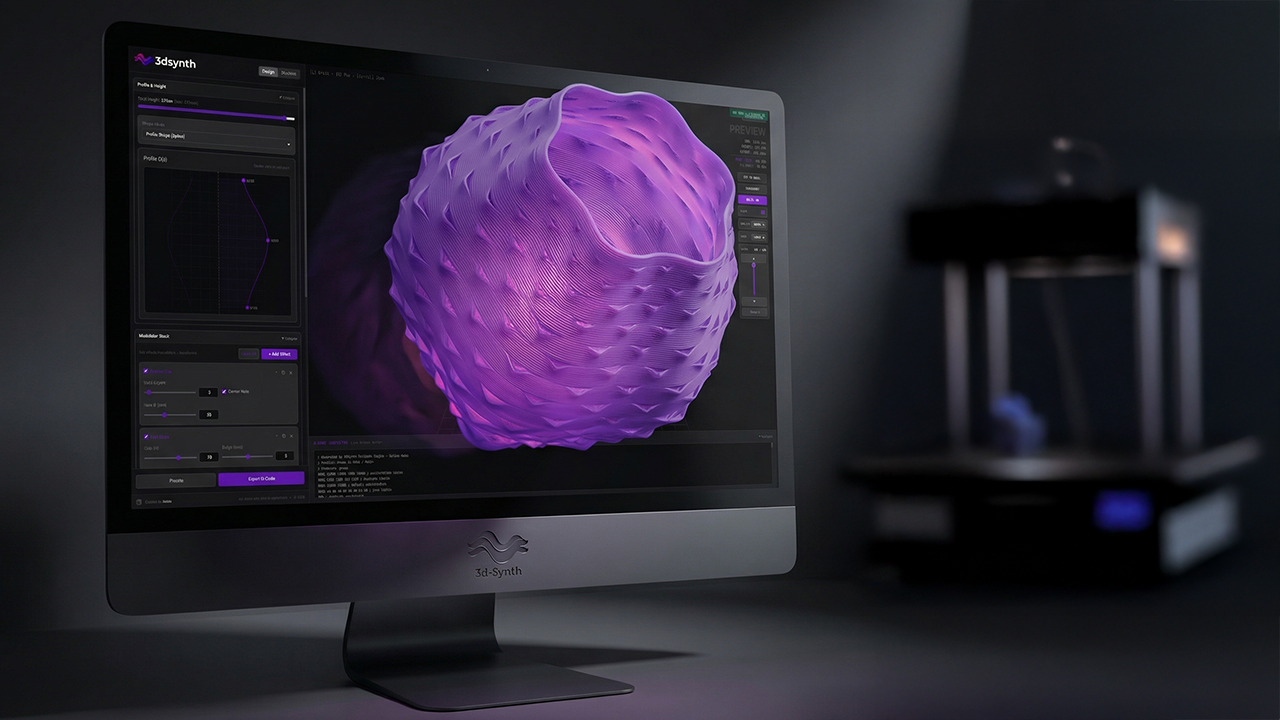
Profile Shape UI showing the parametric spline editor Stackable Effects UI showing modulator controls
1

Define Shape

Draw a parametric spline, pick a predefined model, or program geometry with visual blocks.

2

Apply Effects

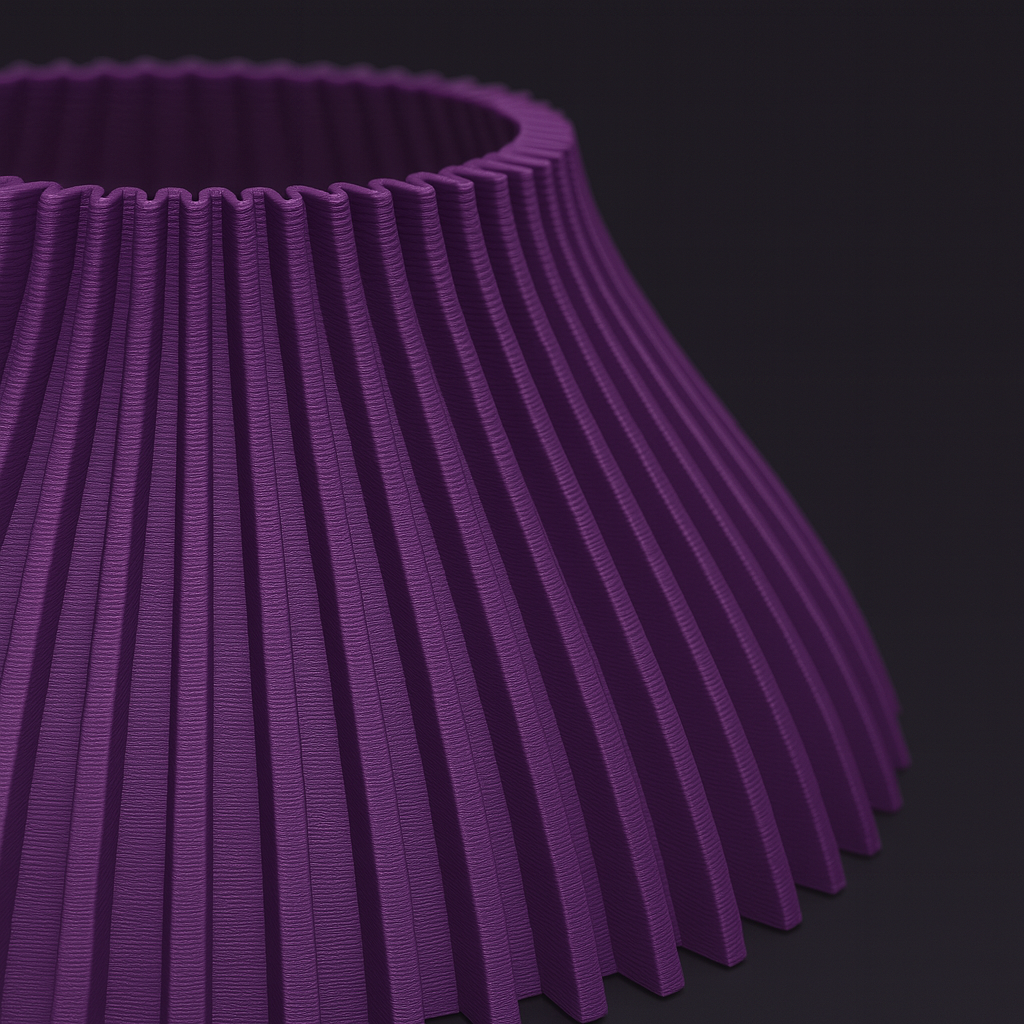
Stack modulators and logic to shape surfaces — ripple, twist, noise, fractals, and more.

3

Export G-code

Preview the toolpath in 3D, verify every move, and export printer-ready G-code.

Outcome-Driven Design

Stop fighting your tools. Start designing with parameters that matter.

300+ Printer Profiles

Built-in configuration for major brands. Select your machine and export with safe start/end G-code.

31+ Effect Modules

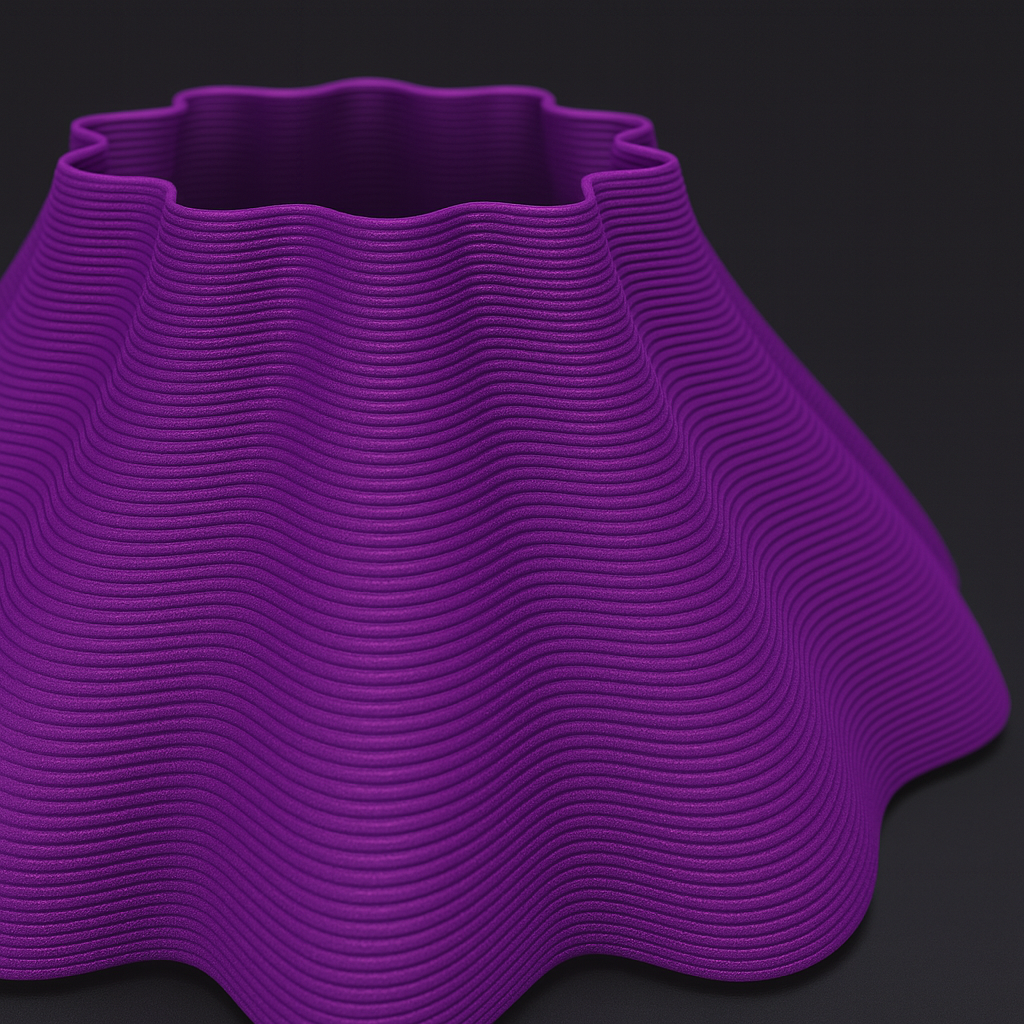
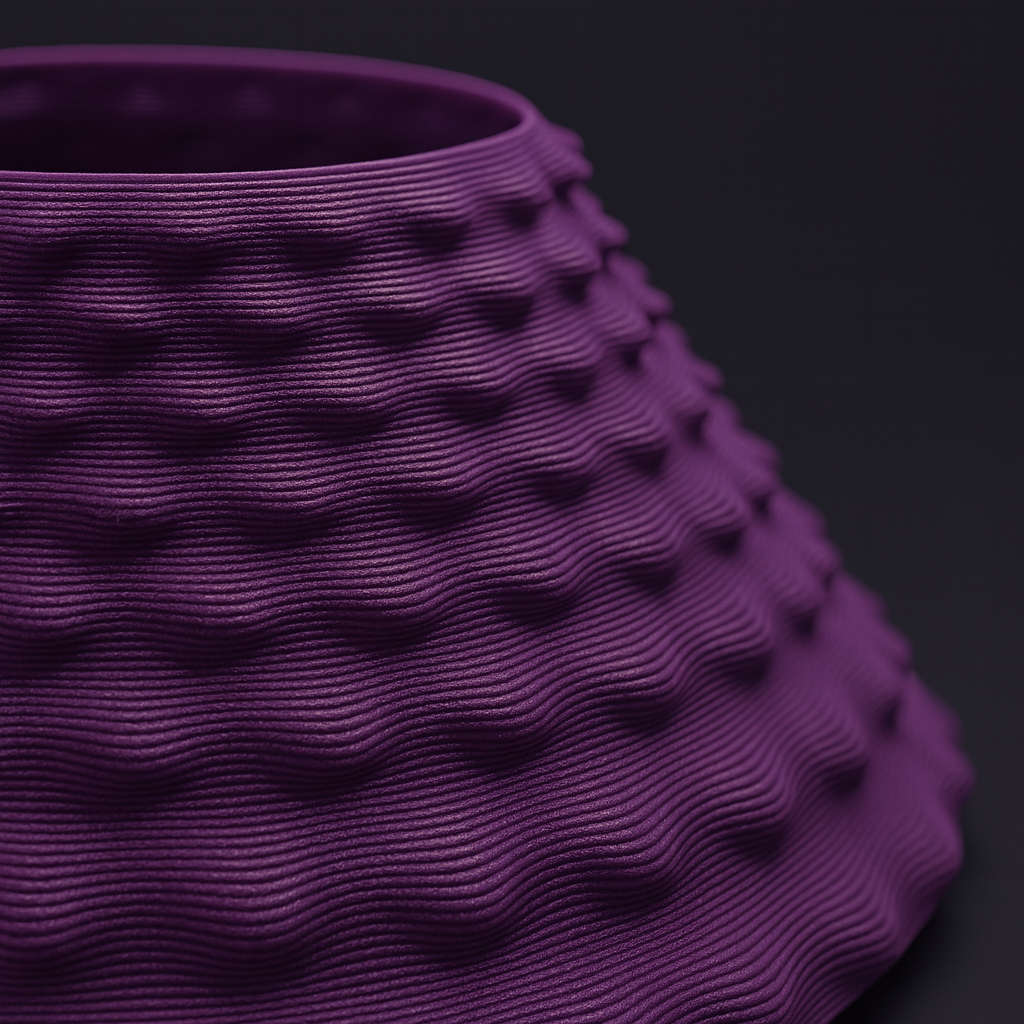
Stack Ripple, Twist, Noise, Blobs, Contour Waves, and Fractals. Mix and match to discover new surfaces.

Vase & Contour Modes

Switch between Spiral Vase mode (continuous Z) and layered workflows. Discover woven textures.

Professional UI

Fast, clean workflow with efficient panels and clear visual feedback—built for iteration.

Four Ways to Generate Toolpaths

From visual programming to direct code editing, 3dSynth offers four distinct ways to control your machine.

Learn & resources

Get productive fast. Then go deep: blocks, effects, transforms, and real printing workflows.

Documentation
Getting started, core concepts, effect modules, and export basics.

Open docs

SynthBlocks
A visual programming environment for toolpath logic—loops, math, and control.

Learn SynthBlocks

Changelog
Track what's new and what's improved in the Professional edition.

View updates

Public Roadmap
Track new features, upcoming modules, and project milestones.

View Roadmap

Fair Pricing

Start free in the browser. Upgrade once to unlock the full desktop app and commercial rights.

Free
$0
Full browser app — zero install
  • Profile spline editor
  • Basic SynthBlocks (limited blocks)
  • Up to 4 modulators stacked
  • 15 free effect types
  • Real-time 3D preview
  • G-code export
  • Save/load presets
Try free in browser

Questions & answers

Everything you need to know before you start printing.

What is SynthBlocks?
SynthBlocks is a visual programming environment inside 3dSynth. It lets you create custom toolpaths by dragging and connecting blocks—like Scratch for your 3D printer. You can build loops, logic, and math-driven patterns that are impossible with standard slicers.
Do I need coding experience?
Not at all. The standard "Profile Mode" uses sliders and curves—no code required. If you want to use SynthBlocks, it's designed to be visual and intuitive, but it's completely optional.
What printers are supported?
3dSynth includes over 300 built-in profiles for major brands like Bambu Lab, Prusa, Creality, Voron, and Anycubic. It generates standard G-code compatible with almost any FDM/FFF printer.
How is this different from a slicer?
Slicers take a 3D model (STL) and slice it. 3dSynth generates the toolpath directly from math or logic. This gives you control over every single movement, allowing for single-wall prints with perfect surface quality and zero mesh artifacts.
Is the G-code safe?
Yes. The generated G-code includes verified start/end sequences for your specific machine (heating, homing, purging). The built-in 3D preview lets you inspect every travel move before you export.
Can I use prints commercially?
Yes. The Professional license includes full commercial rights. You own everything you generate.

Ready to print?

Open 3dSynth in your browser and start generating toolpaths. Desktop app available for Windows, macOS, and Linux.