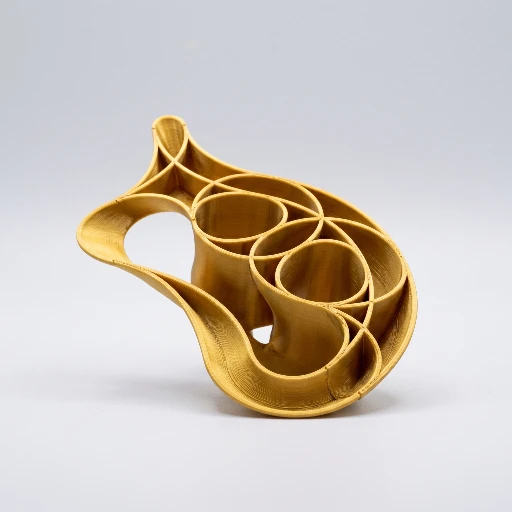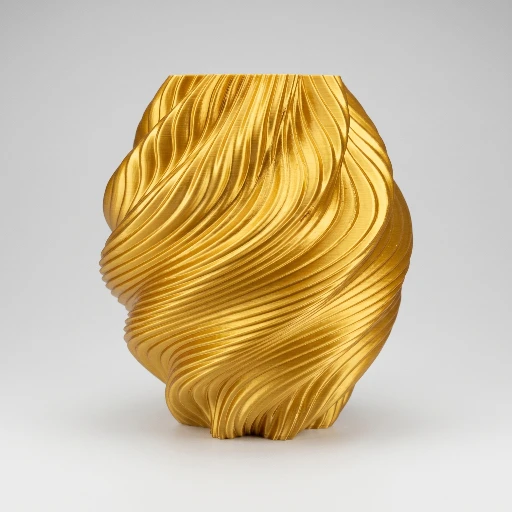
Modules overview

Eight doors into the same workbench.

Choose a module for a short overview on this site. Use in-app documentation when you need parameters, limits, and step-by-step detail.

3dSynth is a browser workspace for parametric printing: start from an empty canvas or a saved project, choose a design module, and keep machine, material, and nozzle presets consistent while you work. Most modules output G-code for direct printing or hand-off to the G-code editor; Mesh sculptor outputs STL so your usual slicer handles layers, infill, and speeds.

Design modules

Pick how you want to work, then open the matching overview.

G-code Sculptor profile editor and effects stack with 3D toolpath preview.
G-code

G-code Sculptor

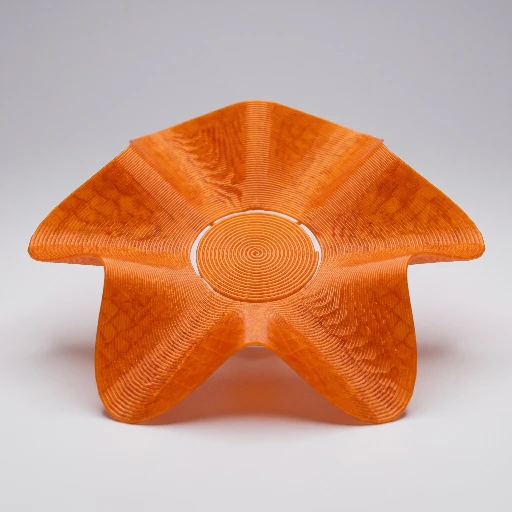
Vase-mode printing from a profile you draw and effects you stack: live toolpath preview, export G-code without sending this path through another slicer first.

Draw a radius vs height profile, then add an ordered effects stack that offsets the single wall (ripples, noise, transforms, caps, and more). The engine follows a single-wall path, often spiral vase style, so what you see in the viewer is what you export for the printer. Best when the toolpath itself is the product, not a mesh for a separate slice step.

Read overview
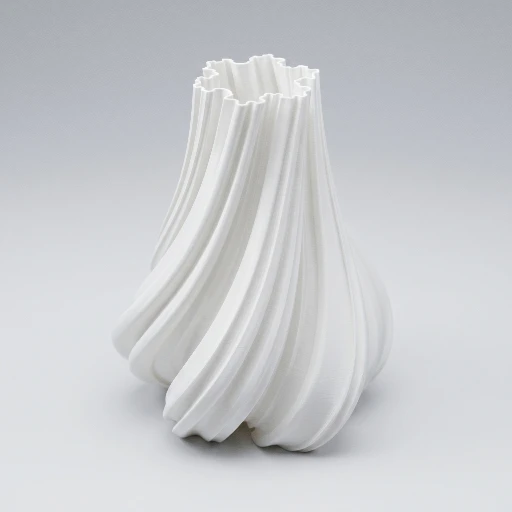
Mesh sculptor solid mesh preview and sculpt controls.
STL

Mesh sculptor

Solid mesh from a profile and cross-section, with vertex effects. Export STL to slice and print in the app you already use.

A profile spline sweeps a 2D cross-section into a high-resolution mesh; an effects stack displaces vertices along normals. You tune quality from draft to ultra, preview as solid geometry, then export STL (or other mesh formats). 3dSynth does not emit print G-code from this module.

Read overview
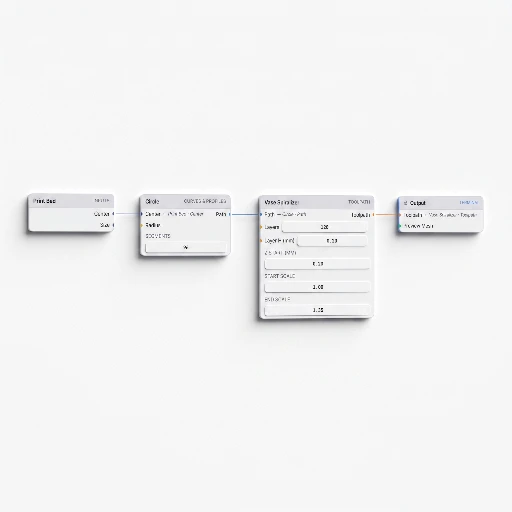
Node sculptor graph with nodes and wires connected to output.
G-code

Node sculptor

Procedural geometry and print logic as a node graph. Wires carry typed data into an Output that drives the viewer and G-code.

Connect small nodes (curves, fields, transforms, surfaces, toolpath helpers) into a graph; invalid socket pairings are rejected so errors surface early. It is the most flexible way to combine procedural ideas in one place when a single profile stack is not enough. Export lands on G-code once the graph is ready to print.

Read overview
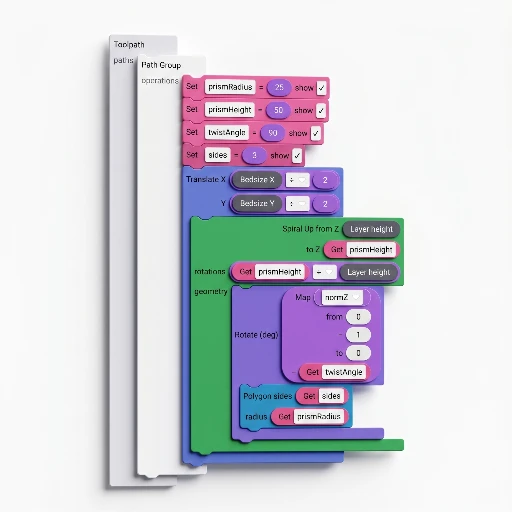
SynthBlocks canvas with snapped blocks for toolpath logic.
G-code

SynthBlocks

Visual block programming for G-code: snap blocks for geometry, motion, extrusion, math, and logic, then run with your start and end scripts.

Built for people who want more procedural control than the profile-and-effects stack, without living in raw G-code text. Expect more to learn than G-code Sculptor, with more freedom in return. Output is G-code generated from the block program.

Read overview
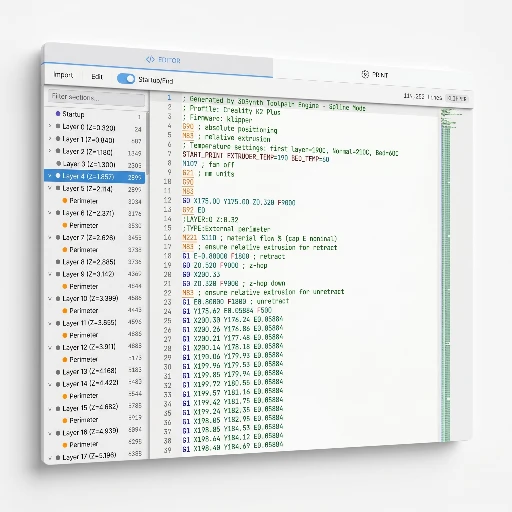
Custom G-code editor with 3D path preview.
G-code

Custom G-code

Import, edit, and inspect G-code with syntax help, a synced 3D view, and tools to analyze and debug.

Use this when the file is the source of truth for tweaking coordinates, feeds, or structure, or when you need to understand a toolpath before printing. You can often open G-code generated elsewhere in the app here for inspection without starting from scratch.

Read overview
Fabric sculpt line-based paths and filter stack.
G-code

Fabric sculpt

Line generators plus a filter stack become stacked extrusion paths, with automatic bed fitting in XY from your Print presets.

Start from 2D line sources (parallel lines, spirals, waves, and more), then bend or texture them through filters before building printable G-code layer on layer. Think of it as line art that becomes plastic.

Read overview
Predefined models catalog with parametric part preview.
G-code

Predefined models

Ready-made parametric parts from the catalog: set parameters, preview, export G-code. No profile editor or node graph.

Pick a model, adjust its parameters, and get a toolpath from the built-in definition when you want a practical print fast or a known-good baseline. The catalog grows over time; each model's doc page lists parameters and export notes.

Read overview
Hex grid painted tiles and floor preview in the viewer.
G-code

Hex grid

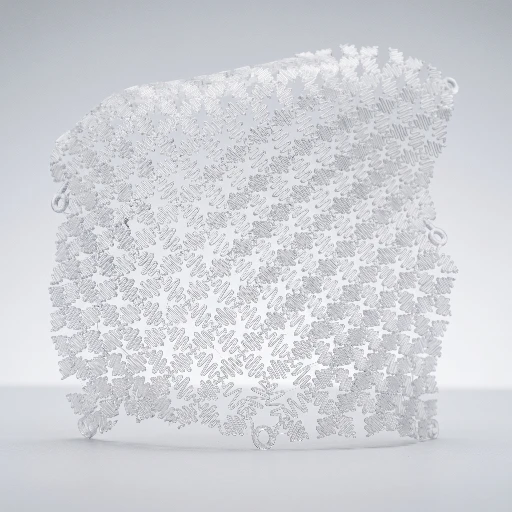
Paint a hex canvas, preview the floor in 3D, and get a vase-mode toolpath that follows the pattern.

Combine a 2D hex layout with a floor preview, tune grid size and layers, and let 3dSynth build G-code that respects the tiling. Strong fit for decorative panels, lattice walls, and structured vases.

Read overview

Open the app and pick your door.

Free to tinker. One Print baseline keeps machine, material, and nozzle settings steady as you hop between modules.