Lifetime license. Intro $39 through 15 July 2026 (then the regular price in Gumroad). See top banner.
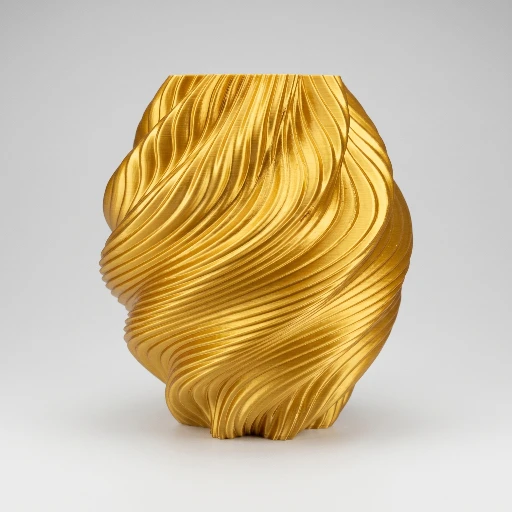
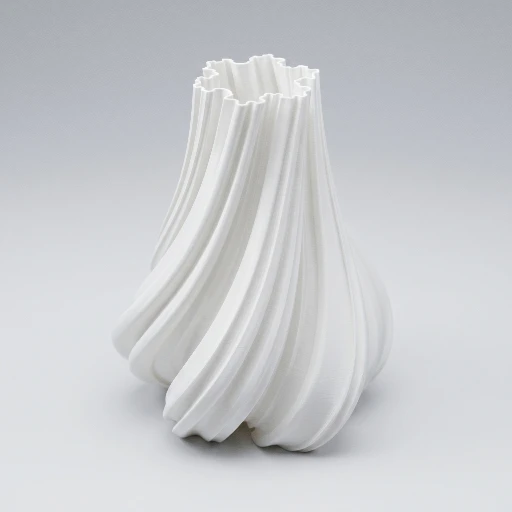
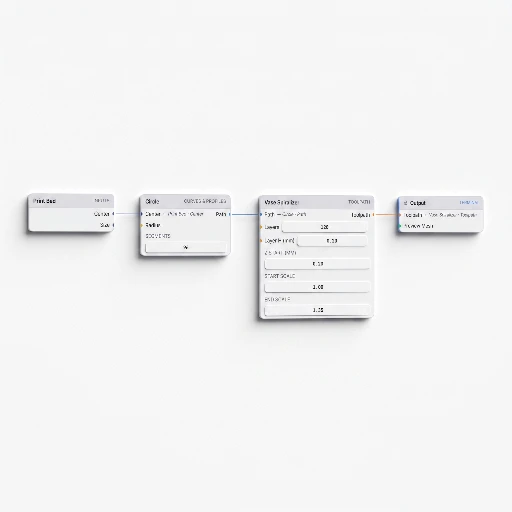
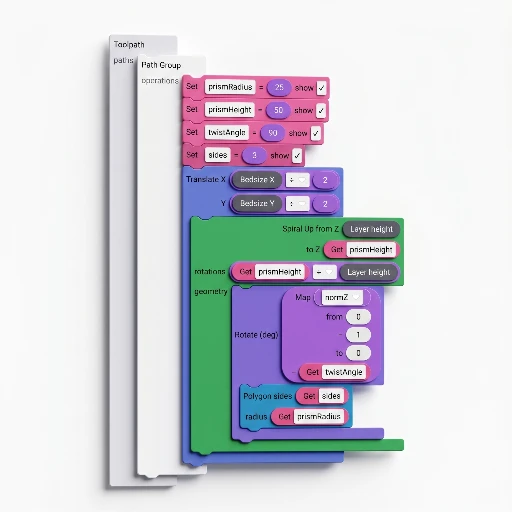
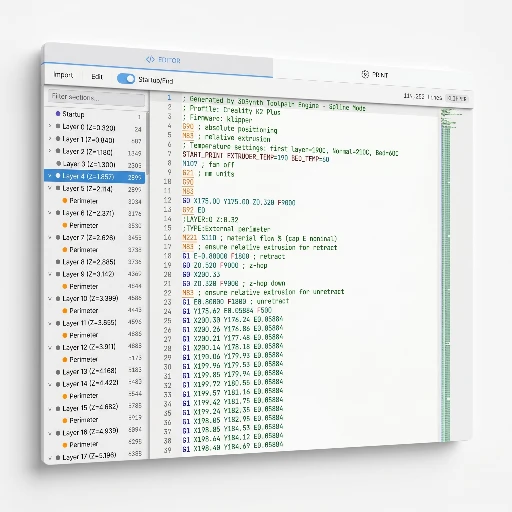
Full browser app: G-code Sculptor, Mesh Sculptor, Node Sculptor, SynthBlocks, Fabric, Hex, predefined models, and Custom G-code: stack effects, wire graphs, and inspect the live toolpath in 3D. Tuned for learning and ad-hoc runs that never leave the tab.
Limited time
Lifetime license
Lifetime license. Intro $39 through 15 July 2026 (then the regular price in Gumroad). See top banner.
Full export headroom, persistent projects, the inspector, desktop installs, and a license that covers commercial work, the same “everything unlocked” state the app’s Premium gates describe.
✓
G-code Sculptor: up to 2 modulators in the effect stack (vase / spiral G-code straight to the machine profile)
✓
G-code Sculptor: unlimited modulators, full reorderable stack, plus Julia / fractal routes when a recipe needs them
✓
Profile export: G-code, plus STL, OBJ, or glTF from mesh-based modules (e.g. Mesh Sculptor) using your Print settings
✓
Every design module can write into .3dsynth: save, load, and move between G-code, mesh, nodes, blocks, and fabric in one project
✓
SynthBlocks, nodes, fabric paths, and custom G-code: build, run, and one-click download while you stay in the web app
✓
SynthBlocks & Node exports + workspace hand-off (not just in-tab preview)
✓
3D toolpath preview, in-app docs and tutorials, and the Library in read-only mode
✓
G-code Inspector and advanced checks before the file ever hits the printer
-
Save, reload, and sync .3dsynth project files (workspace + all modules in one file)
✓
Save/load .3dsynth, and publish builds to the Library from inside the app
-
Fractal (Julia) modulators, G-code Inspector deep validation, and uploads back to the library
✓
Desktop app (Windows + macOS) for offline, large exports, and “same workspace” outside the browser